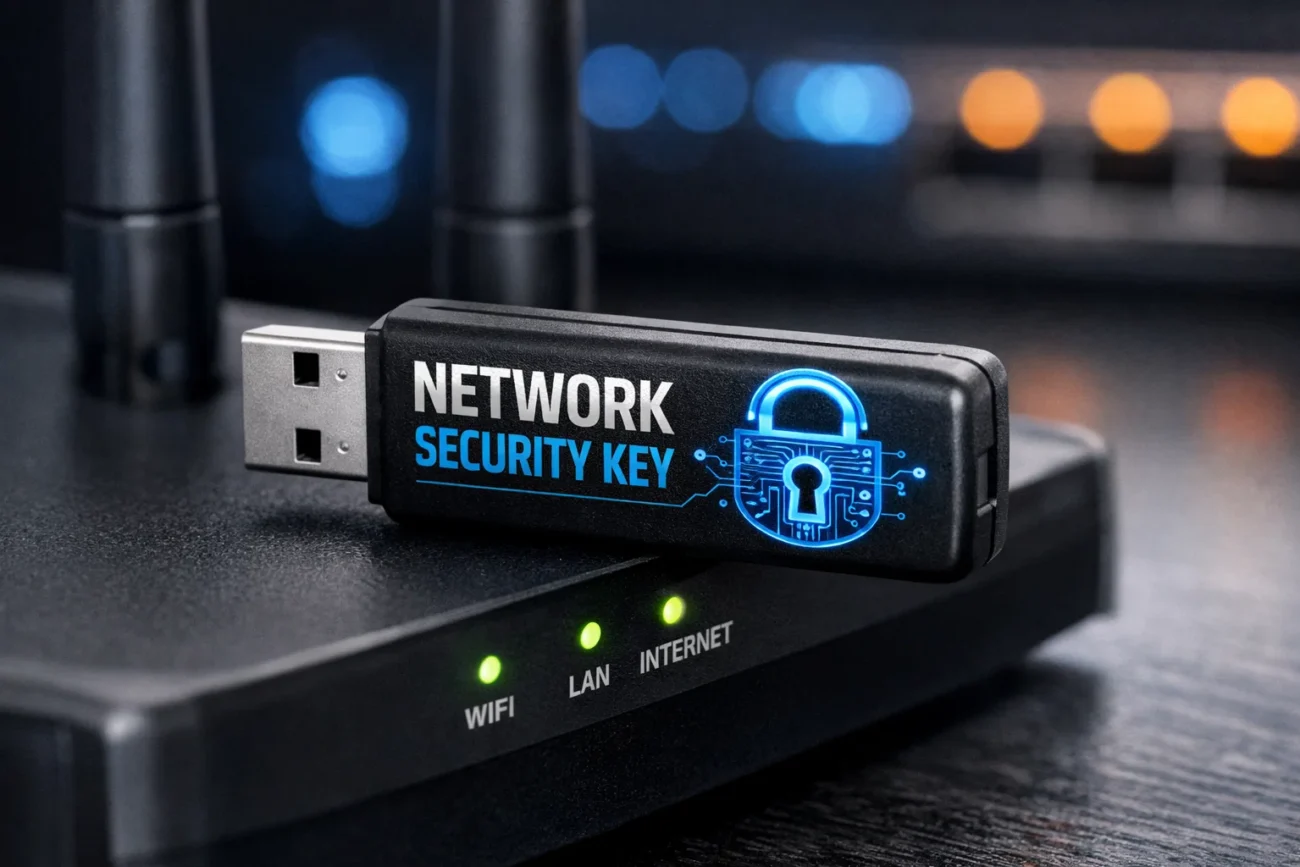
Understanding the Network Security Key
A network security key, often referred to as a Wi-Fi password, is an essential component for securing a wireless network. It acts as a digital key that allows devices to connect safely to a network while preventing unauthorized access. Essentially, it is the first line of defense in protecting personal, business, and organizational data transmitted over wireless connections.
The network security key is crucial because Wi-Fi networks, without adequate security, can be easily exploited by cybercriminals to intercept sensitive information, steal credentials, or launch attacks on connected devices. It is important to understand the role of a network security key, the types available, and how to manage it effectively to maintain robust network security.
The Importance of a Network Security Key
The significance of a network security key cannot be overstated in today’s connected world. With the proliferation of smart devices, laptops, and mobile phones, the potential attack surface for cybercriminals has expanded exponentially. A strong network security key ensures that only authorized users can access a wireless network, protecting personal information such as banking details, emails, and private communications.
Beyond personal data, businesses also rely on network security keys to safeguard corporate information, proprietary data, and internal communications from hackers. Without a secure key, networks are vulnerable to breaches that can lead to identity theft, financial losses, and reputational damage.
Types of Network Security Keys
Network security keys come in several forms, each providing a different level of protection and encryption. The most common types include WEP, WPA, and WPA2 keys. WEP, or Wired Equivalent Privacy, is an older security protocol that provides minimal protection and is considered outdated due to vulnerabilities that allow easy hacking. WPA, or Wi-Fi Protected Access, introduced improved encryption methods and dynamic key changes, making networks more secure.
WPA2 is currently the most widely used standard, offering advanced encryption with AES (Advanced Encryption Standard) that makes unauthorized access significantly more difficult. Recently, WPA3 has emerged as the newest standard, providing enhanced protection against brute-force attacks and ensuring stronger security for modern devices.
How Network Security Keys Work
A network security key functions by encrypting the data transmitted between a device and the wireless router. When a device attempts to connect to a secured network, it must provide the correct key. If the key is valid, the router authenticates the device and allows access. The encryption ensures that even if data packets are intercepted during transmission, they remain unreadable without the correct decryption key.
This mechanism prevents unauthorized users from accessing the network, eavesdropping on communications, or injecting malicious content. The security key is typically set on the router during installation, but can be changed to strengthen security or manage access.
Choosing a Strong Network Security Key
Selecting a strong network security key is critical to maintaining the integrity of a wireless network. A strong key is typically long, complex, and combines uppercase and lowercase letters, numbers, and symbols. Avoiding easily guessable passwords such as “12345678” or “password” is essential because these are often the first tried by hackers. It is also recommended to avoid personal information like birthdays, names, or common phrases.
A strong network security key should be unique and changed periodically to prevent long-term exposure to potential attacks. Tools such as password managers can help generate and store secure keys, making management easier without sacrificing safety.
Network Security Key Management
Managing network security keys involves more than just creating a strong password. Proper management includes storing the key securely, sharing it responsibly, and periodically updating it to maintain security. Network administrators in business environments often implement policies requiring employees to use individual keys or access codes to track usage and prevent unauthorized sharing.
For home networks, it is advisable to store the key in a secure location and only provide access to trusted individuals. Modern routers often include management tools that allow users to view connected devices, change the key remotely, and set up guest networks with separate security keys to isolate visitors from sensitive data.
Common Issues with Network Security Keys
Despite their importance, network security keys can sometimes present challenges. Users may forget their keys, leading to difficulty reconnecting devices. Inconsistent key settings across devices can also prevent seamless connectivity, particularly in homes with multiple routers or extenders. Another common issue is the use of weak or default keys provided by internet service providers.
Default keys are often easy to guess or publicly known, leaving networks vulnerable. It is crucial to replace default keys with personalized, strong passwords. Regular audits of network security settings can help identify weaknesses and ensure that the key effectively protects the network.
Network Security Key in Public Wi-Fi Networks
Public Wi-Fi networks, such as those in cafes, airports, or hotels, often require a network security key for access. While these networks provide convenience, they carry significant risks because multiple unknown users share the same connection. In these environments, using a VPN (Virtual Private Network) in conjunction with the network security key is recommended to add layer of encryption.
Users should avoid transmitting sensitive information over unsecured public Wi-Fi, even when a key is required, because malicious actors may still attempt to intercept data. Understanding the limitations of public networks emphasizes the importance of maintaining secure, private connections whenever possible.
Network Security Key and Device Compatibility
Not all devices support every type of network security key. Older devices may struggle to connect to networks using modern encryption standards like WPA3. Similarly, some devices may require manual entry of keys to establish connections, while others support automatic key recognition through saved credentials or QR codes.
Network administrators should ensure compatibility across all devices and choose encryption standards that balance security with accessibility. Regularly updating device firmware and network drivers is essential to maintain compatibility and prevent connection issues caused by outdated technology.
The Role of Network Security Keys in Cybersecurity
Network security keys are a foundational element of cybersecurity strategies. They serve as the first barrier against unauthorized network access, complementing other security measures like firewalls, antivirus software, and intrusion detection systems. In corporate environments, network security keys help enforce access control policies, monitor network activity, and prevent data exfiltration.
For individuals, these keys protect personal devices and online accounts from cyberattacks. The role of network security keys extends beyond connectivity—they are a critical component in creating a secure digital environment, minimizing risks, and maintaining trust in online interactions.
Changing and Updating Network Security Keys
Regularly updating network security keys is a recommended practice for maintaining strong network protection. Keys should be changed if there is suspicion of compromise, after a device has been lost or stolen, or periodically as part of a security policy. Updating a network key involves accessing the router’s settings, entering a new password, and reconnecting all authorized devices.
While this process may be inconvenient, it ensures that old, potentially compromised keys no longer pose a threat. Automated tools and reminders can help users maintain an updated key schedule, particularly in large organizations with multiple users and devices.
Guest Networks and Network Security Keys
Creating guest networks is a useful strategy to enhance security while allowing temporary access to visitors. A guest network operates with a separate network security key from the main network, isolating guest devices from sensitive data. This approach prevents unauthorized access to personal files, internal communications, and connected IoT devices.
Routers often allow administrators to set bandwidth limits and control access times for guest networks, providing flexibility and added security. By implementing guest networks, households and businesses can maintain convenience without compromising the overall integrity of their primary network.
Troubleshooting Network Security Key Issues
Occasionally, users encounter problems related to network security keys that prevent connectivity. Common issues include entering the wrong key, signal interference, or router misconfigurations. Troubleshooting involves verifying the key, restarting devices, updating firmware, and checking encryption settings. For complex issues, consulting the router’s manual or the internet service provider’s support team can provide guidance.
Proper troubleshooting ensures that the network remains accessible to authorized users while retaining strong security protections. Regular maintenance and monitoring of network connections help identify potential issues before they impact performance or security.
Network Security Keys in the Era of Smart Homes
With the rise of smart homes, network security keys have taken on even greater importance. Connected devices such as smart TVs, security cameras, thermostats, and voice assistants rely on Wi-Fi networks to function. If a network key is compromised, attackers could gain access to multiple devices, potentially taking control of cameras or accessing personal information.
Using unique, strong keys and segregating smart home devices on a separate network enhances security. Regularly updating device software and monitoring network activity helps ensure that smart homes remain safe from cyber threats.
Best Practices for Network Security Key Protection
Protecting a network security key involves several best practices. First, use a complex, unique key that is difficult to guess. Second, avoid sharing the key with untrusted individuals and refrain from posting it publicly. Third, change the key periodically and immediately after any potential compromise. Fourth, implement guest networks to isolate temporary users from sensitive information.
Finally, use complementary security measures such as VPNs, firewalls, and multi-factor authentication where possible. By following these practices, users can maximize the effectiveness of their network security key and maintain a secure wireless environment.
Future Trends in Network Security Keys
The evolution of network security keys continues as cybersecurity threats grow more sophisticated. Future trends include the adoption of passwordless authentication methods, biometric integration, and automatic key rotation. Enhanced encryption protocols like WPA3 and beyond aim to provide more resilient protection against brute-force attacks and emerging threats.
Artificial intelligence may play a role in detecting unusual network activity and suggesting key updates proactively. As technology advances, the network security key will remain a vital tool for ensuring secure wireless communication, adapting to meet new challenges and maintain trust in connected environments.
Conclusion
A network security key is a critical element in safeguarding wireless networks, protecting both personal and organizational data from unauthorized access. Understanding its importance, types, and proper management is essential for maintaining strong cybersecurity. By choosing a strong key, updating it regularly, implementing guest networks, and following best practices, individuals and businesses can ensure their networks remain secure.
As technology evolves, staying informed about new encryption methods and security trends will help users maintain robust protection in an increasingly connected world. Ultimately, the network security key is more than just a password—it is a fundamental safeguard that ensures safe and reliable digital communication.
You May Also Read Here: OKC Thunder vs Memphis Grizzlies match player stats
